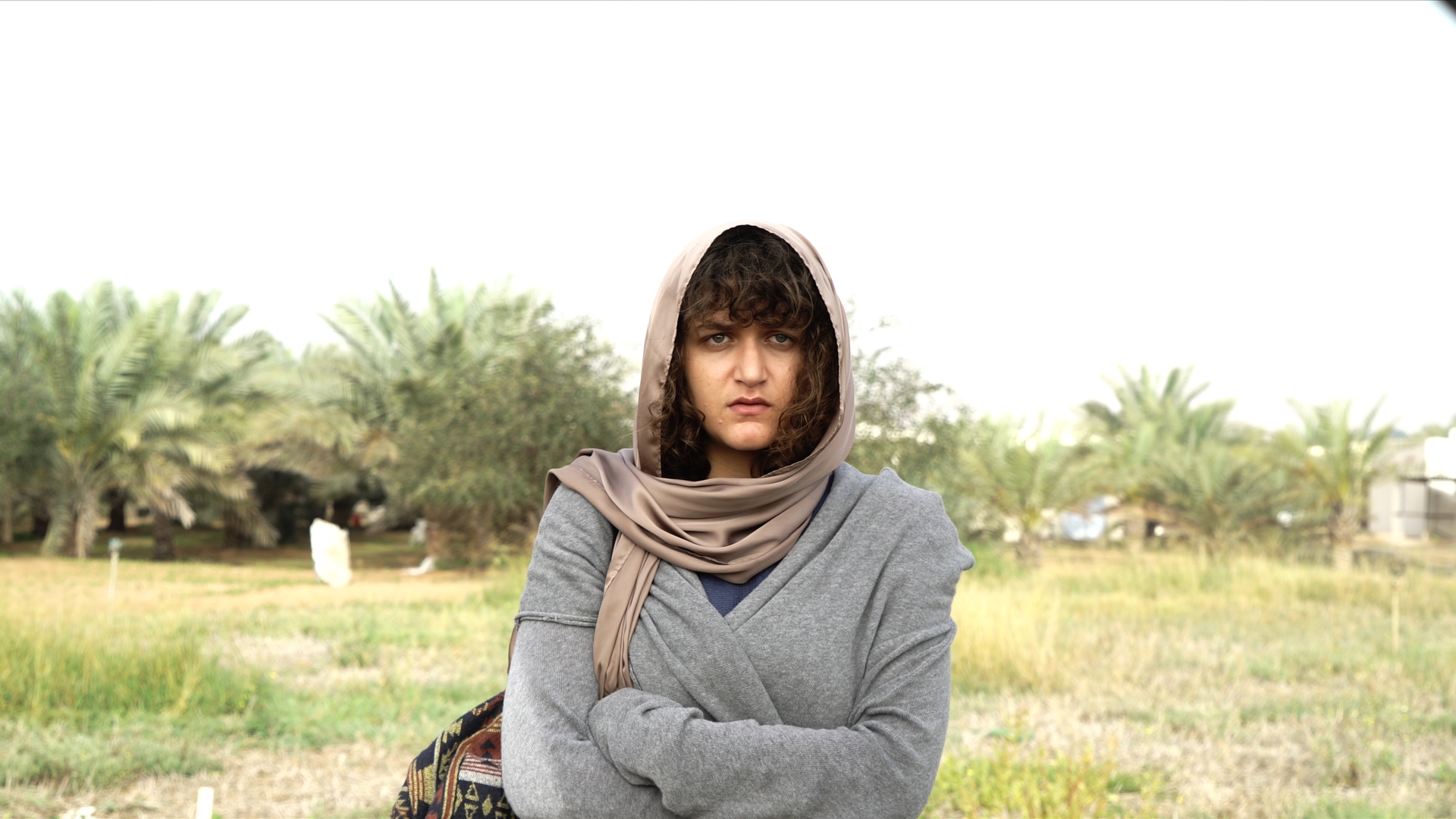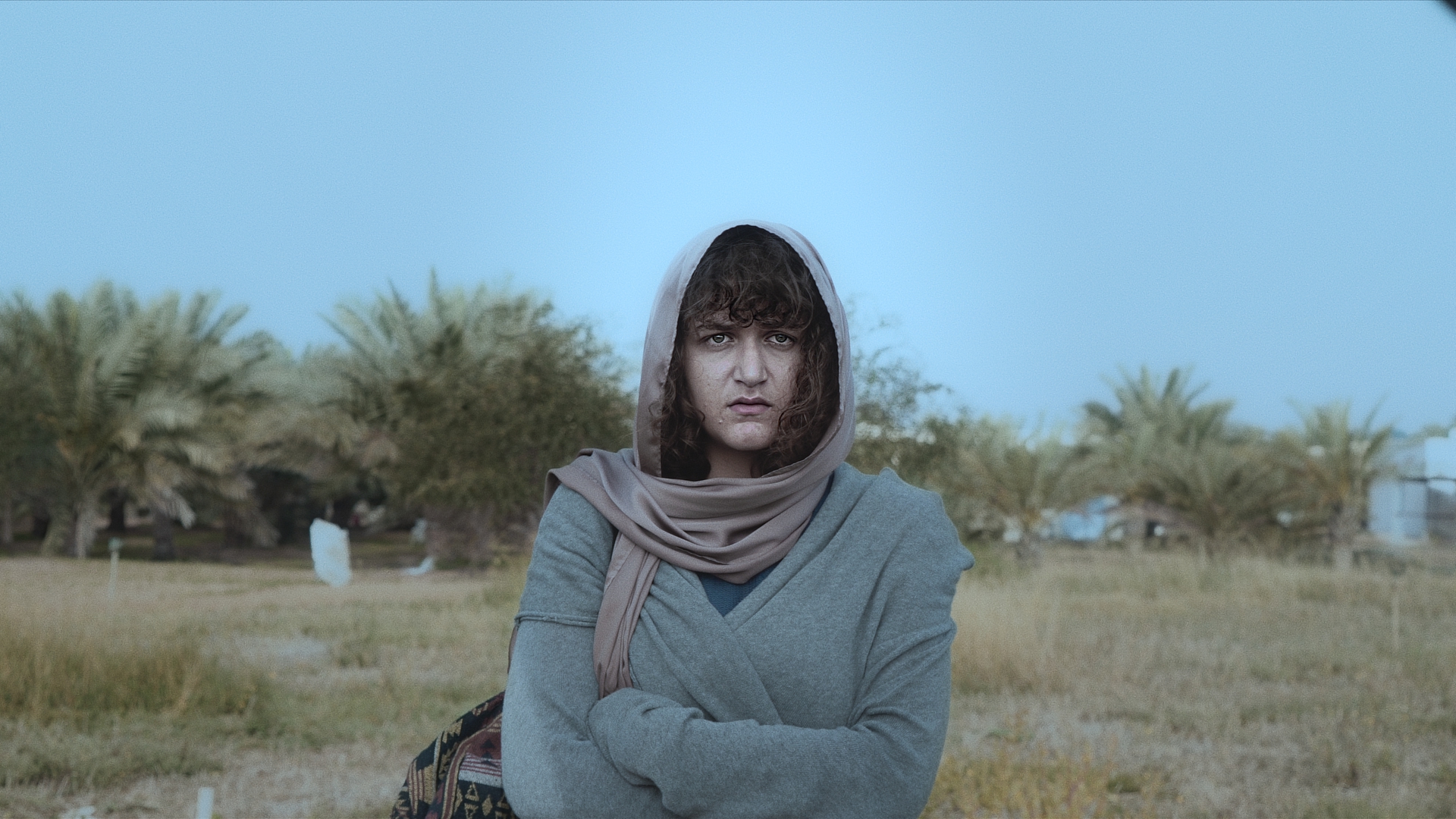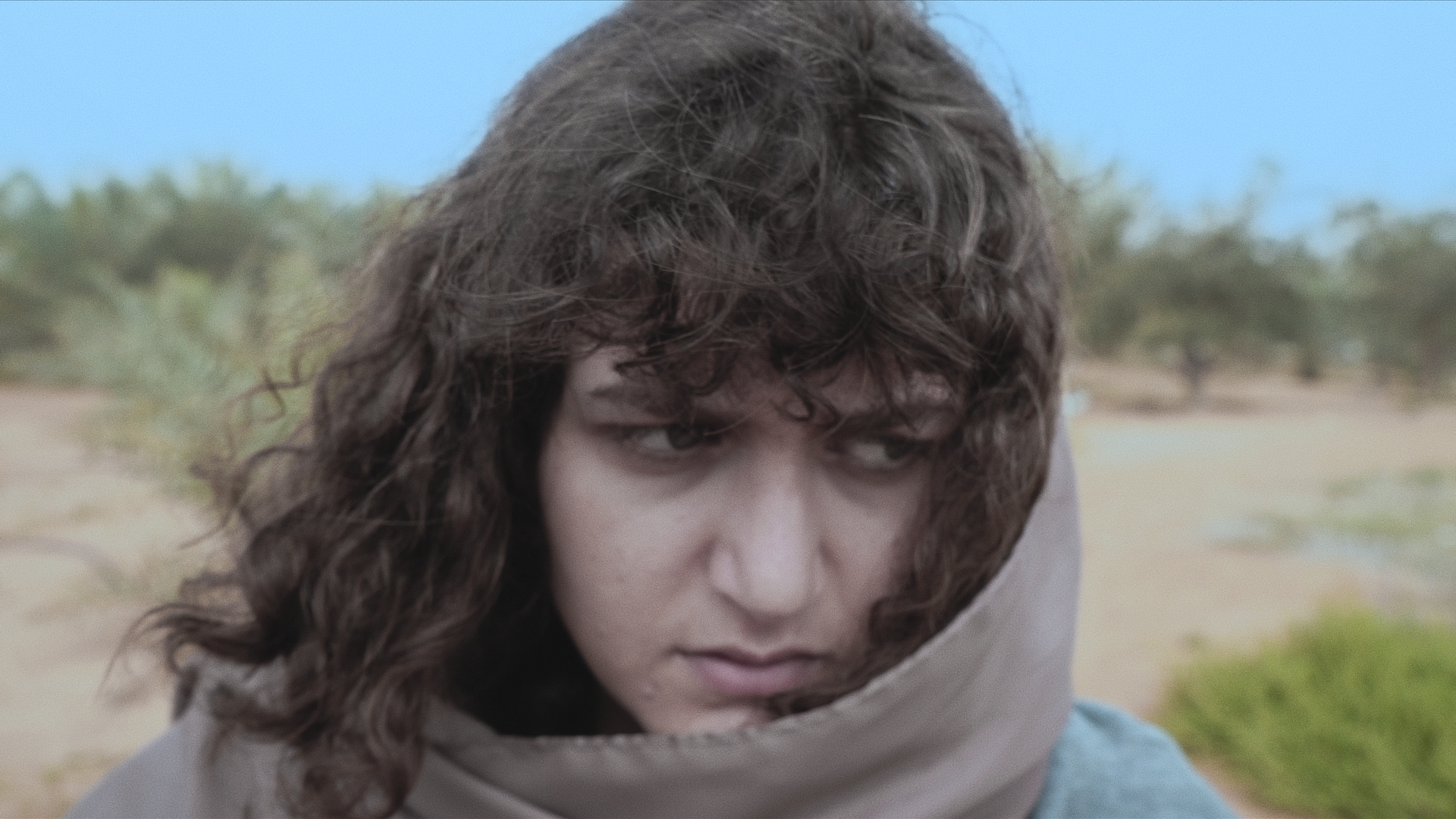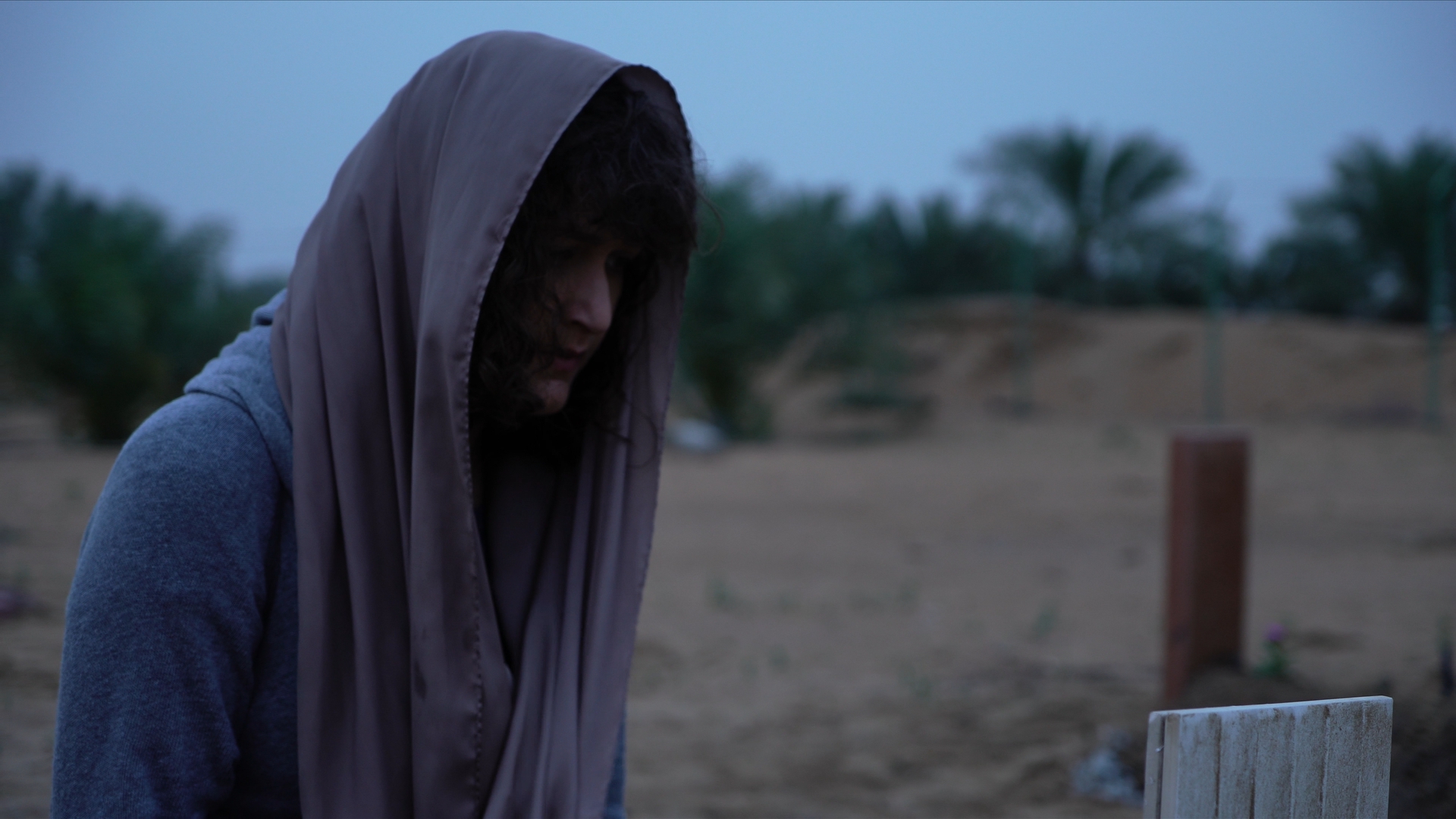

ARRI Film Lab Review: A Colorist’s Take on Bringing Film Character to Digital
As a colorist, I’m always slightly suspicious of anything promising to make digital footage look like film.
Film emulation has become a crowded category, and there are plenty of plugins that can add grain, halation, contrast, or a vintage color palette. The difficult part isn’t adding those characteristics individually—it’s making them feel like they belong to the image.
That is what makes ARRI Film Lab interesting.
Developed by ARRI and released as a license-based OpenFX plugin, Film Lab is designed to bring the characteristics of analog film into a digital workflow. It gives the colorist control over film grain, color characteristics, halation, and gate weave, while working inside applications such as DaVinci Resolve and Baselight. It supports ARRI LogC3 and LogC4 workflows and can also be used with footage from other cameras when brought into the appropriate ARRI color pipeline.
First Impression: Simplicity Is the Strength
The first thing I noticed about Film Lab is how deliberately simple it is.
Instead of giving the colorist dozens of parameters for building a film response from scratch, ARRI concentrates the controls around a few recognizable characteristics. Grain can be based around 50D, 200T, or 500T negative-film characteristics, while the color section provides different print-stock and processing options, including reversal and bleach bypass. There are also controls for halation and gate weave.
From a grading perspective, I actually appreciate this approach.
A film-emulation tool can easily become another rabbit hole inside the grading suite. You start adjusting grain size, softness, chroma response, highlight roll-off and several other parameters, and suddenly you're spending more time building the emulation than grading the picture.
Film Lab feels more like a finishing tool than a laboratory experiment.
You make your primary correction, establish the creative look, and then use Film Lab to introduce the film character.
The Grain
Grain is probably the first thing most people will look at when evaluating Film Lab.
ARRI gives you three negative-film references—50D, 200T and 500T. The important thing, of course, is that these aren't literally turning your digital camera into a particular physical film stock. They are digital recreations of characteristics associated with those stocks.
I found the restraint particularly useful.
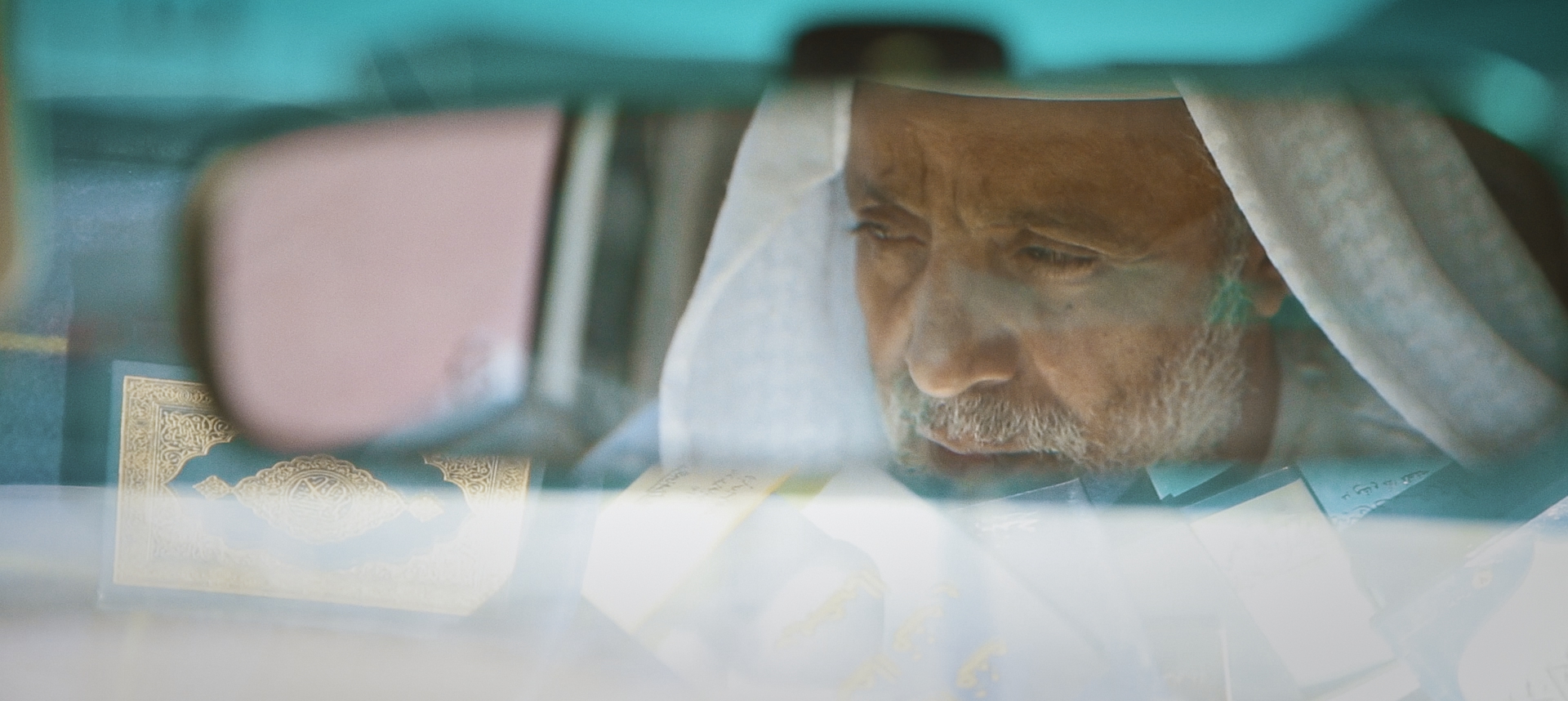
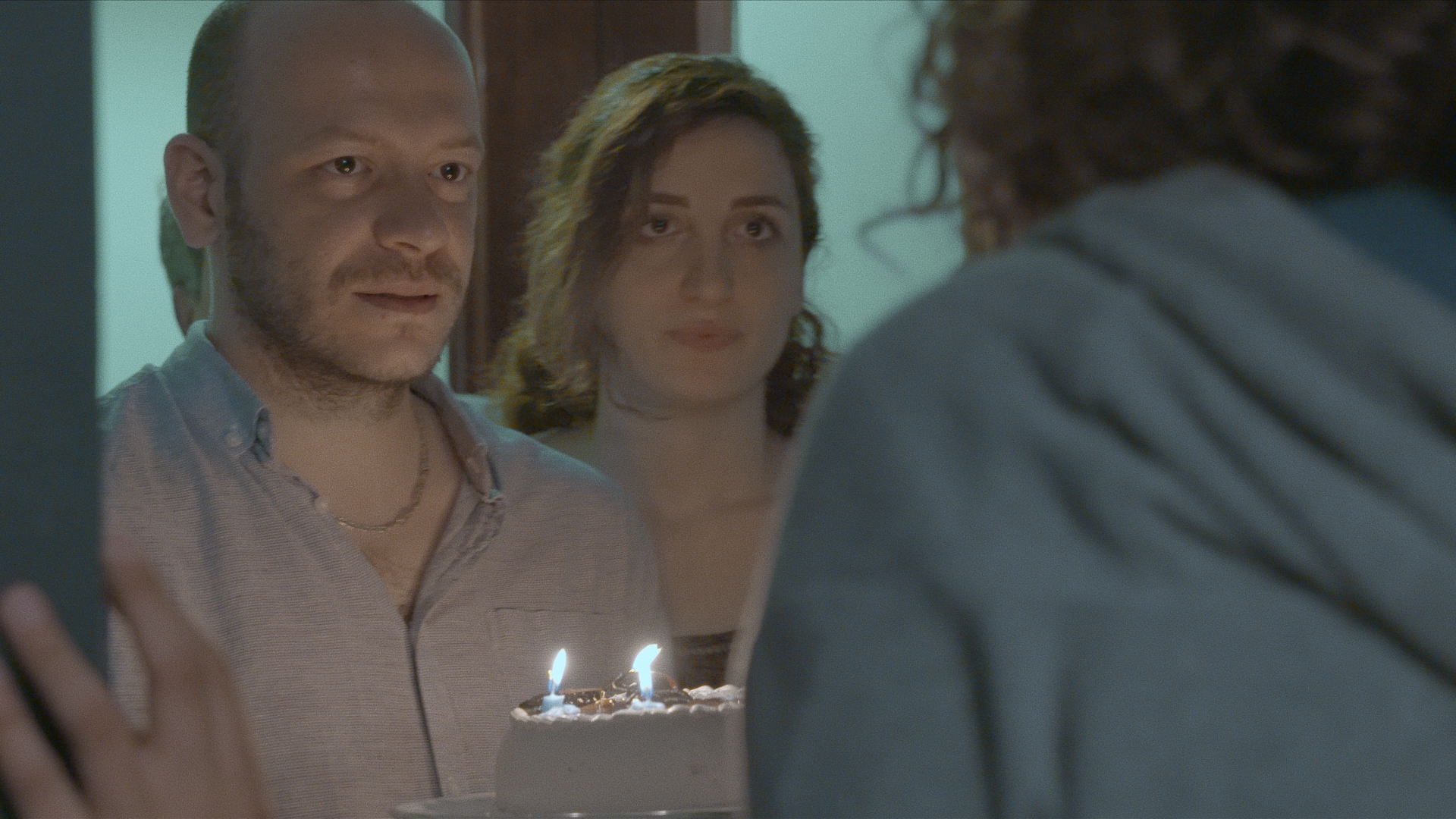
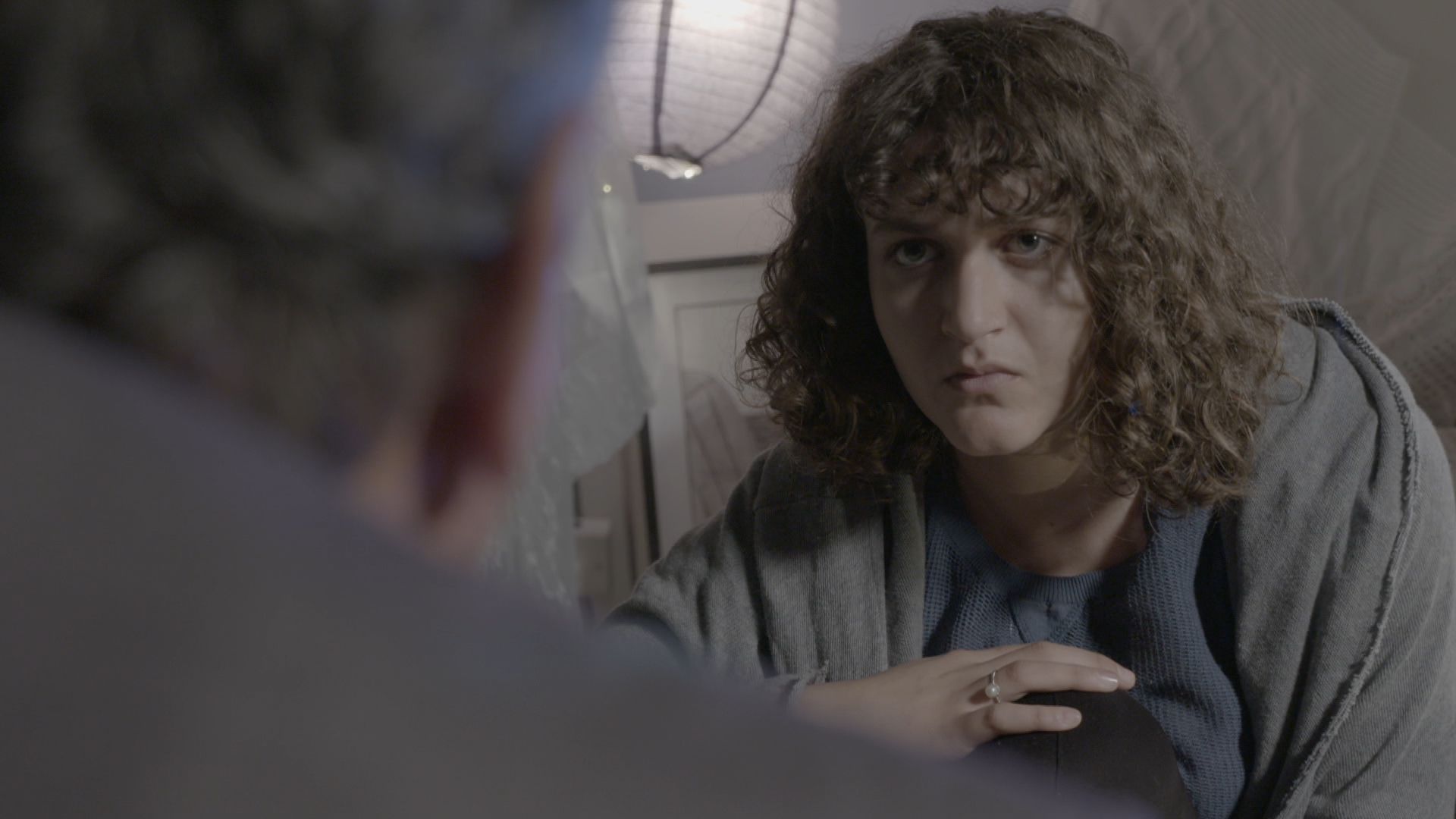
Good film grain shouldn't announce itself immediately. It should become part of the texture of the image. At stronger settings, the effect becomes obviously stylized, but at lower intensities it can help take some of the sterile perfection out of digital footage.
That distinction matters.
The goal isn't necessarily to make the audience think, “That's film grain.” The goal is to make them feel that the image has a different physical quality.
Color: Where Film Lab Becomes More Interesting
For me, the more important part of Film Lab isn't actually the grain. It's the way the color response interacts with the image.
ARRI describes the color controls as covering different print-stock characteristics, reversal-film characteristics and bleach-bypass processes.
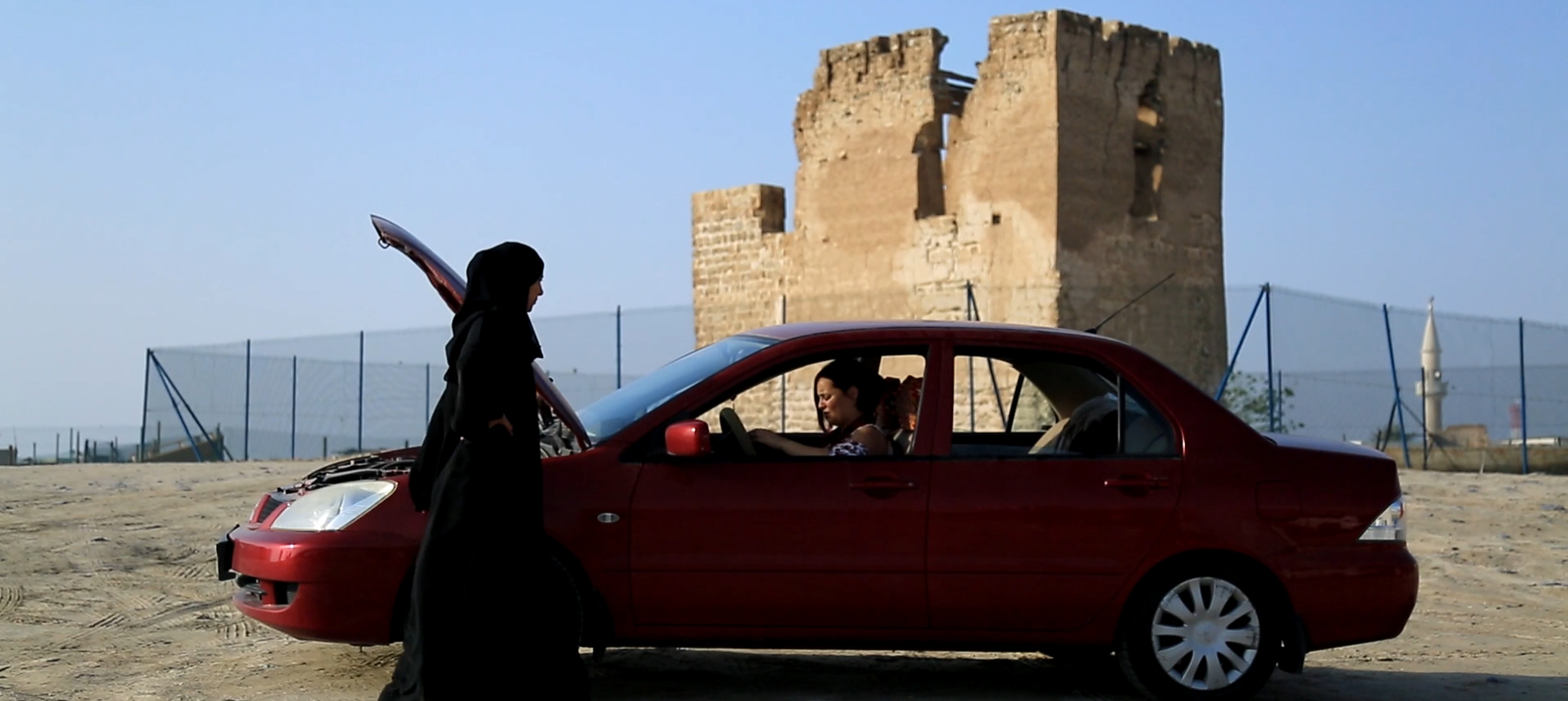
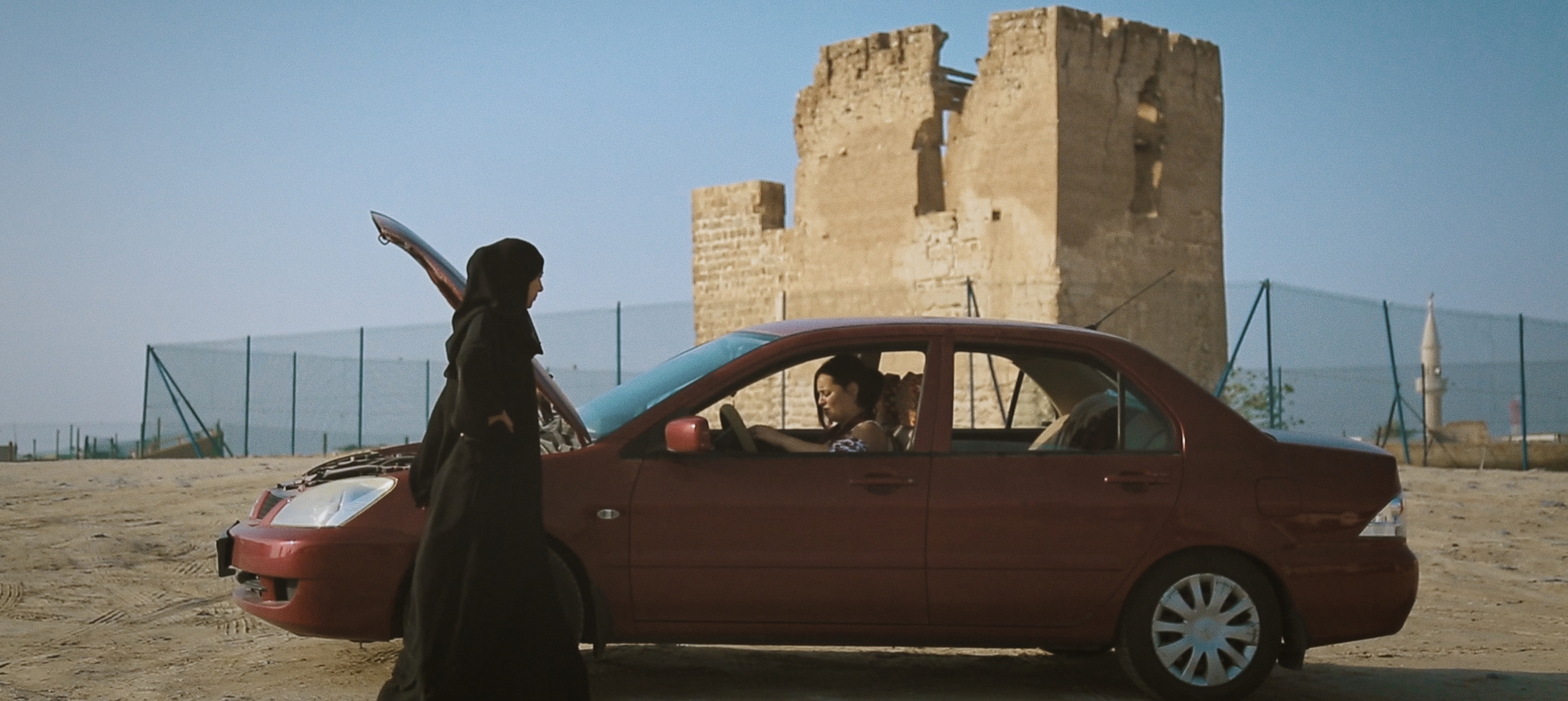
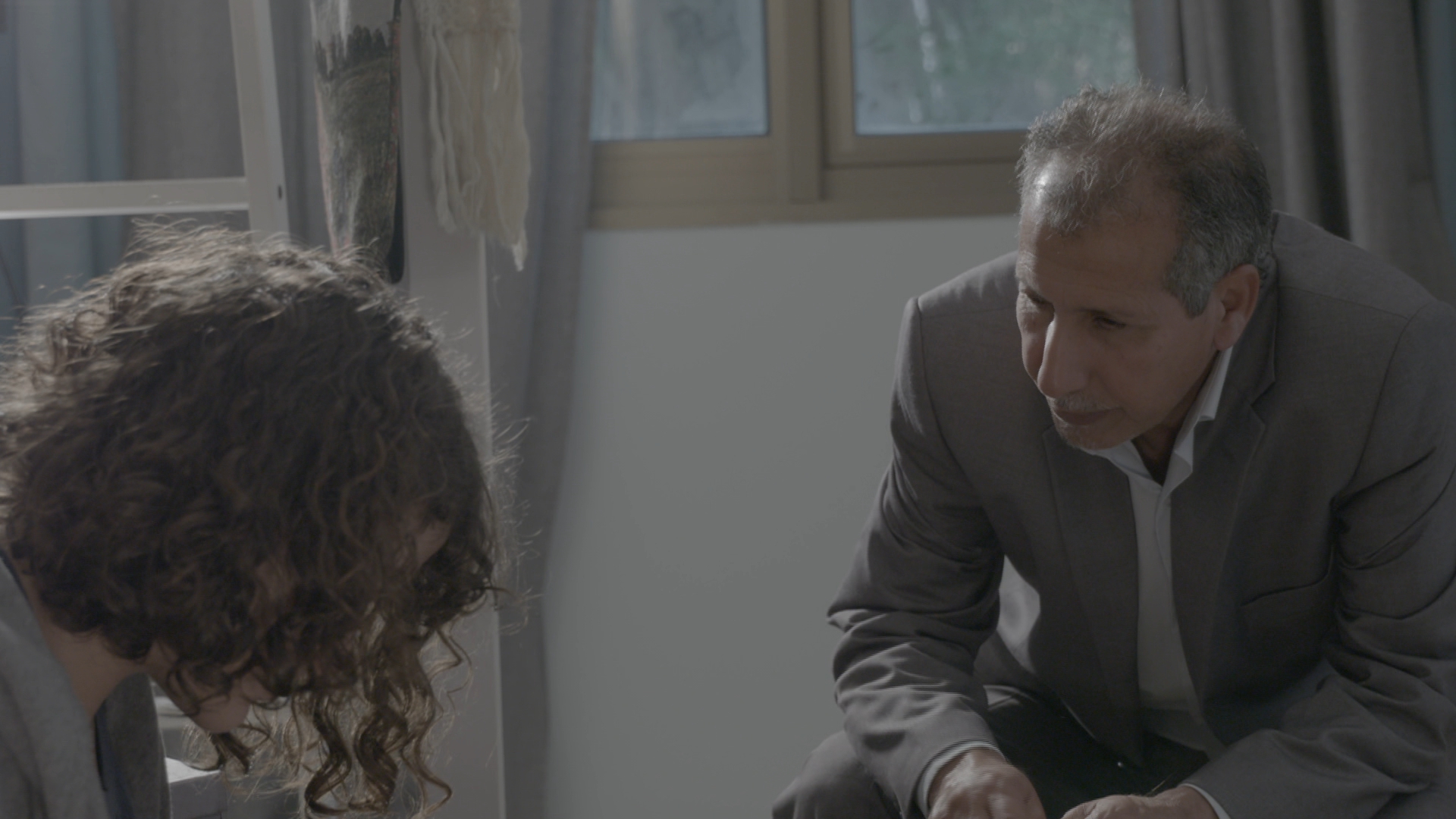
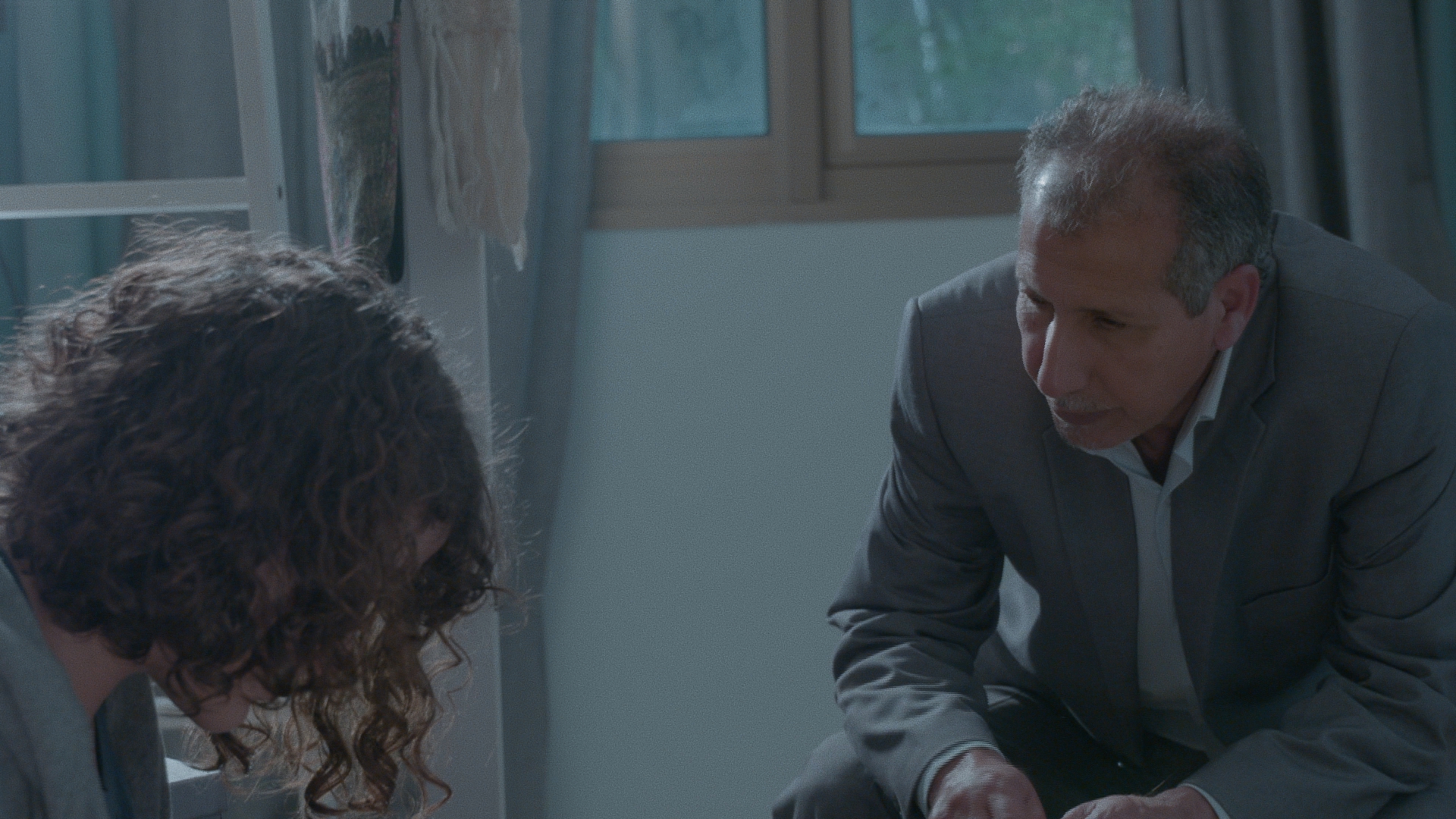
This gives the colorist a useful starting point for developing a film-inspired palette without forcing the entire grade into an aggressive “film look.”
That's important because film character isn't simply warm highlights plus grain.
The relationship between skin tones, neutrals, saturated colors and shadows is what ultimately determines whether an image feels convincing.
With Film Lab, I prefer approaching the tool as the final layer of a grade rather than using it as the grade itself.
First establish exposure.
Then balance the image.
Then build the creative color palette.
Then let Film Lab provide the texture and film response.
That workflow keeps the colorist in control.
Halation: Less Is More
Halation is another feature that can easily be overused.
Film Lab simulates the red/orange glow that can occur around bright areas as light interacts with the different layers of photographic film.
Used carefully, this can be beautiful.
Used aggressively, it immediately looks like an effect.
My preference would be to keep halation relatively subtle, particularly on narrative work. The effect becomes most convincing when you notice the overall image feels more organic rather than when you can immediately identify a red halo around every practical light.
This is one area where the colorist's judgment matters more than the plugin's capabilities.
It Works Especially Well With ARRI Footage
This is where Film Lab makes the most sense to me.
ARRI has built the tool around its broader imaging ecosystem, and it supports LogC3/AWG3 and LogC4/AWG4 workflows. It can process RGB images from ARRI cameras as well as third-party cameras when they're correctly brought into the ARRI pipeline.
There is a reason this matters.
ARRI's camera images already give the colorist a strong foundation. Film Lab isn't trying to rescue poor footage. Instead, it can complement an image that is already technically solid and creatively well exposed.
That is perhaps the biggest lesson with tools like this:
Film emulation can't replace good cinematography.
Lighting, exposure, lenses, production design and filtration still determine the fundamental character of the image. Film Lab works best when those decisions are already doing the heavy lifting.
The ARRI Look Library
Another useful part of the ecosystem is the integration with ARRI's Look Library.
The Film Lab workflow can be combined with ARRI's predefined looks, giving the colorist a starting point for different visual directions. Independent testing has highlighted the usefulness of combining the Look Library with Film Lab while reducing the intensity of individual looks rather than simply running everything at full strength.
And that's probably how I would recommend using it.
Don't treat a preset as a finished grade.
Treat it as a creative starting point.
A good colorist should still be able to decide what the image needs rather than letting a preset make every creative decision.
The Workflow in Resolve
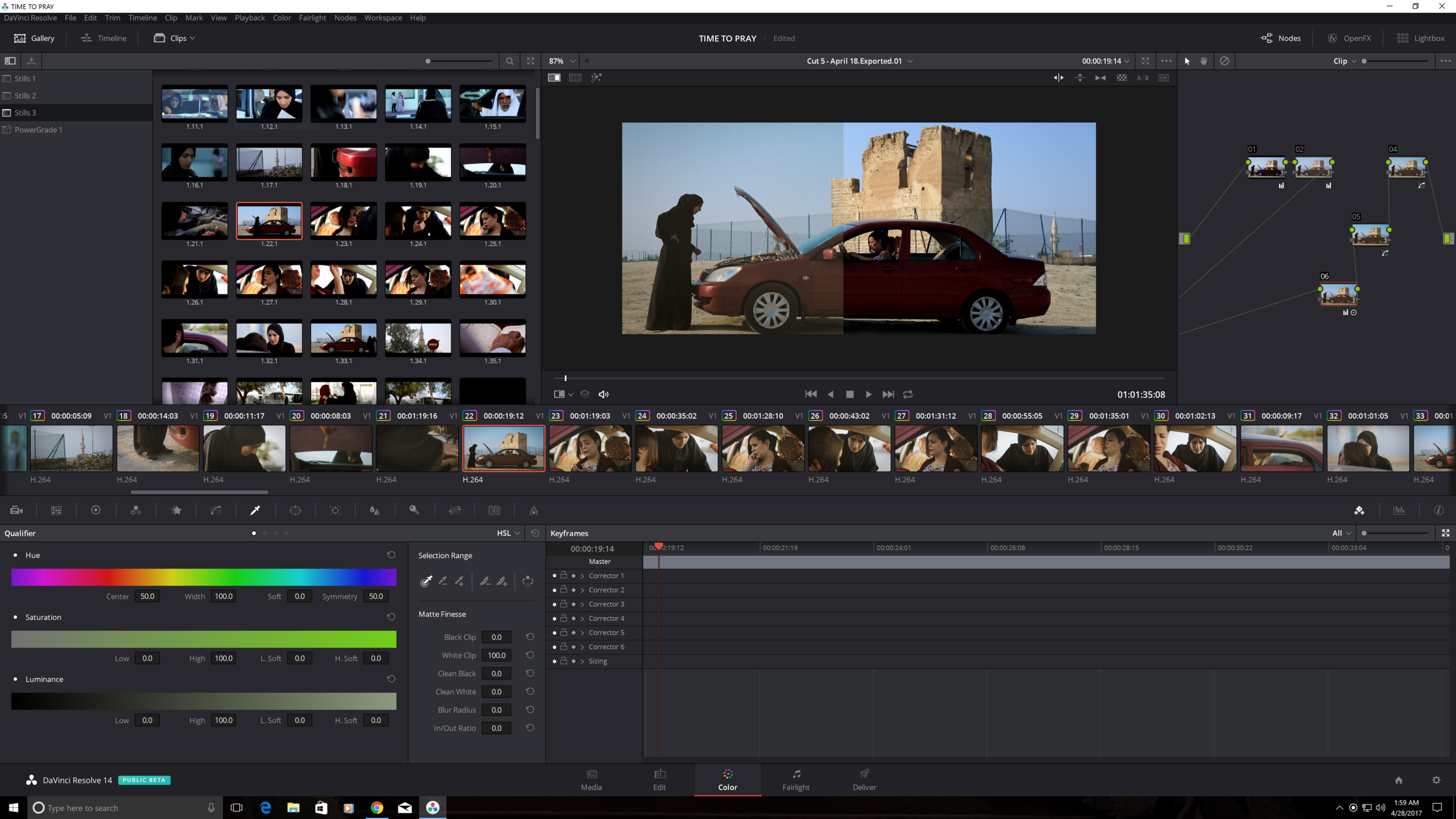
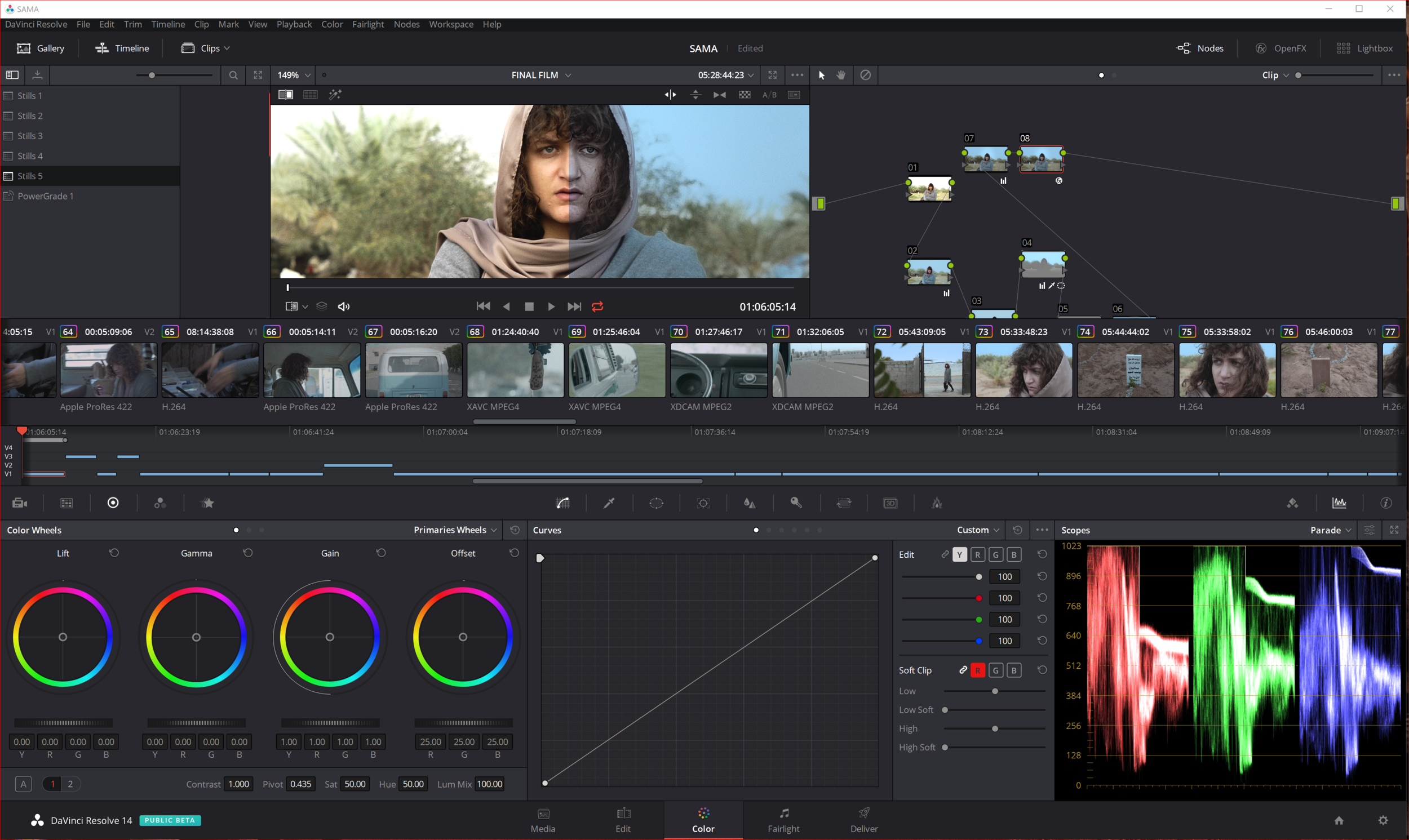
For a DaVinci Resolve colorist, the workflow is refreshingly straightforward.
Film Lab is available as an OpenFX plugin and can operate in real time at 4K with supported RGB workflows.
I would generally keep it toward the end of the creative node structure, after the image has been balanced and the main look has been established.
That makes it easier to control how much of the film character you're actually introducing.
It also means you can bypass or adjust the Film Lab treatment without rebuilding your entire grade.
That flexibility is particularly valuable when you're working on a long-form project where consistency between hundreds or thousands of shots becomes more important than making one spectacular still frame.
Where I Think Film Lab Falls Short
Film Lab's simplicity is also its limitation.
If you're the kind of colorist who wants extremely granular control over every aspect of a film-emulation process, Film Lab may feel restrictive compared with more elaborate dedicated film-emulation systems.
There are fewer knobs.
But I'm not convinced that's necessarily a problem.
More controls don't automatically produce a better image.
In fact, one of the strengths of Film Lab is that ARRI has made it difficult to endlessly over-engineer the look. Independent testing has similarly praised the plugin's straightforward approach and its ability to produce attractive results without extensive adjustment.
The other consideration is workflow. Although Film Lab can work with non-ARRI footage, it is clearly most naturally integrated into an ARRI color-managed environment. RE Effects notes that projects need to be working through the ARRI color-management pipeline, with ACES support planned.
So if your facility is built around a completely different color-management philosophy, you should test Film Lab carefully before making it part of a standardized pipeline.
My Verdict as a Colorist
ARRI Film Lab isn't trying to replace the colorist.
And that's exactly why I like it.
The best film-emulation tools don't make the grade for you. They give you another layer of photographic character that you can shape according to the needs of the project.
For me, Film Lab works particularly well when the brief is:
“Make this digital image feel photographic, organic and cinematic—but don't make it look like a plugin.”
Its biggest strength is its restraint.
The grain is easy to control. The color treatments provide a useful film-inspired foundation. Halation can add another layer of realism, and the overall workflow fits naturally into ARRI's ecosystem.
It won't magically turn every digital image into 35mm film. Nothing can.
But when used with good photography and a thoughtful grade, ARRI Film Lab can take an already strong digital image and give it that final bit of texture and imperfection that makes it feel less like a collection of pixels and more like a photographed image.
For ARRI-based workflows, I'd definitely put it on the shortlist of film-emulation tools worth testing.
Not because it gives the colorist more controls—but because it gives the colorist the right controls.